Your Health Magazine Contributor
4201 Northview Drive
Suite 102
Bowie, MD 20716
More Health Technology Articles
Mobile Healthcare Administration: Managing Documents Securely Away From the Office
Healthcare administration no longer happens exclusively behind a desk. Physicians, practice managers, executives, and other healthcare professionals may need to review an agreement, approve paperwork, or complete an administrative document while traveling between locations, attending meetings, or working remotely. Mobile access can keep important work moving, but it also requires thoughtful procedures for security and recordkeeping.
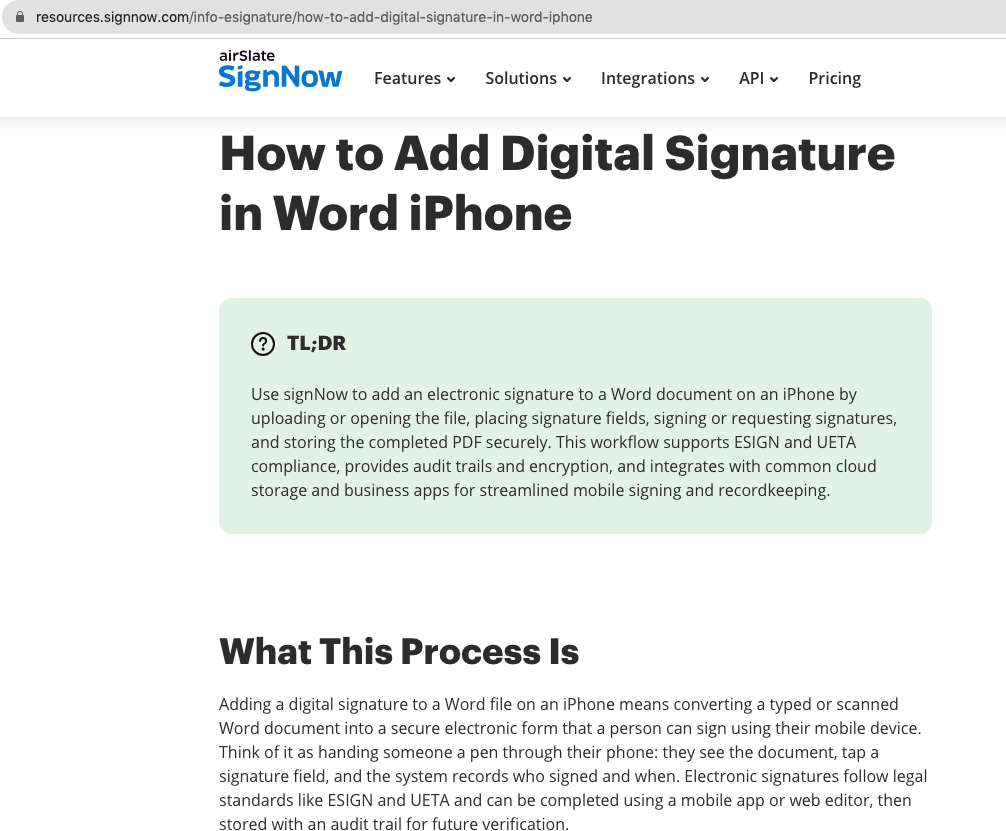
A common example is receiving a Microsoft Word document that requires a signature when a computer is not immediately available. Knowing how to sign the word document on iphone can help professionals handle appropriate electronic documents from a mobile device rather than waiting to print, sign, scan, and return paperwork. The ability to eSign remotely, however, should be supported by the same authorization, security, and records-management standards an organization applies to documents handled inside the office.
Why Mobile Document Workflows Matter in Healthcare
Healthcare professionals frequently work across more than one physical setting. A physician may divide time between offices. An administrator may oversee several locations. Executives and managers may attend outside meetings while still being responsible for time-sensitive business decisions.
Traditional paperwork creates a problem in these situations. A document sent electronically may still need to be printed solely because someone needs to add a signature. After signing, the document has to be scanned or photographed and sent back.
An electronic signature workflow can eliminate some of these steps. Instead of moving a document from digital to paper and back to digital, an authorized person can review, fill and sign, and return an appropriate document electronically.
The benefit is not simply mobility. It is maintaining a consistent document process regardless of where authorized personnel happen to be working.
Decide Which Documents Are Appropriate for Mobile Signing
The fact that a document can be signed from a phone does not necessarily mean every document should be handled that way.
Healthcare organizations should determine which categories of documents are appropriate for remote electronic signing. Routine administrative approvals may present different considerations from major contracts, financial agreements, or records containing sensitive information.
Authorization also matters. Mobile access should not change who has authority to execute a document on behalf of the organization.
A practice can establish policies identifying which employees may send for signature, which individuals may eSign particular documents, and when additional review is necessary before execution.
This prevents convenience from bypassing normal organizational controls. The phone becomes another way to access an approved workflow rather than a separate process with different rules simply because the signer is away from the office.
Security Matters More When Work Becomes Mobile
Mobile work can make employees less aware of their surroundings and more dependent on account-level security. Someone handling an electronic document away from the office should still treat it as an organizational record rather than ordinary personal phone activity.
Electronic-document security should address both transmission and storage.
According to verified information provided by signNow, the platform uses TLS 1.2/1.3 for information in transit and AES-256 for information at rest. It also provides two-factor authentication and audit trails.
These measures address different risks associated with electronic documents. Encryption helps protect information while it moves and while it is stored. Two-factor authentication adds another layer of account security, while audit trails provide information associated with document activity.
Healthcare organizations still need internal policies governing accounts, devices, access, and sensitive information.
Avoid Turning Personal Devices Into Filing Cabinets
One of the risks of mobile document handling is losing control over where files end up.
An employee may download an attachment, create another copy, save it somewhere convenient, send it through another communication channel, and leave several versions of the same document scattered across different locations.
Healthcare organizations should establish where the official completed record belongs.
After an authorized individual eSigns a document, the final version should be handled according to the organization’s records-management procedures rather than remaining indefinitely among personal downloads or miscellaneous files.
Employees should also know whether organizational policy permits particular documents to be downloaded onto personal devices at all.
The objective is to separate the convenience of mobile access from the responsibility for long-term recordkeeping. A smartphone can facilitate a workflow without becoming the organization’s permanent document repository.
Consider HIPAA Before Handling Information Remotely
Healthcare professionals naturally associate digital security with HIPAA, but the applicable requirements depend on the information being handled.
A vendor agreement that contains no protected health information presents different considerations from a document that contains PHI. Organizations should identify the information involved before determining which policies and safeguards apply.
For HIPAA use, signNow requires a Business Associate Agreement (BAA). Its listed compliance frameworks also include ESIGN, UETA, SOC 2 Type II, GDPR, 21 CFR Part 11, PCI DSS, ISO 27001, CCPA, and eIDAS.
The availability of these compliance frameworks does not automatically make every mobile workflow compliant. Healthcare organizations remain responsible for how employees access, transmit, disclose, and maintain information.
Remote convenience should therefore operate within the organization’s existing privacy and security framework rather than outside it.
Electronic Signatures Have a U.S. Legal Framework
Electronic signatures are supported by an established legal framework in the United States. The Electronic Signatures in Global and National Commerce Act, commonly known as the ESIGN Act, provides a federal foundation for electronic signatures and records. UETA, the Uniform Electronic Transactions Act, provides another important framework at the state level.
These laws make electronic transactions possible without requiring every document to move through a traditional paper-signing process.
However, mobile access does not change the underlying nature of a transaction. Organizations still need to determine whether the individual signing has appropriate authority and whether specialized requirements apply to the particular document.
For important contractual, employment, regulatory, or legal documents, healthcare organizations should ensure their electronic processes comply with all requirements applicable to the specific transaction.
Mobile Signing Can Help With Time-Sensitive Administration
Consider a practice administrator who is visiting another office when an approved business document arrives for signature. Under a paper-based process, the administrator might wait until returning to the main office, ask someone to print the document, or find another way to produce a signed copy.
An electronic workflow can allow an authorized signer to complete an appropriate document without those additional steps.
The same principle can apply to physicians or executives who work between several facilities, HR personnel handling approved employment paperwork, or administrators managing vendor documents.
The important qualification is “approved.” Mobile signing should occur after any necessary internal review rather than becoming a shortcut around it.
When the process is structured properly, mobility changes where the final step occurs without changing the organization’s underlying authorization and review requirements.
Audit Trails Support a Consistent Electronic Process
Mobility can make documentation of a transaction particularly valuable. In a paper environment, employees may rely on handwritten notes, email conversations, or memory to reconstruct how a document was handled.
Electronic workflows can provide additional records associated with document activity.
signNow includes audit trails among its security and document controls. For healthcare organizations, audit information can complement internal records when administrators later need to review an electronic transaction.
This does not eliminate the need for good records-management practices. Organizations still need procedures establishing which completed document represents the official record, where it should be maintained, and who should retain access.
A structured process becomes especially valuable when documents are being handled by employees working from different locations rather than passing through one central administrative office.
Evaluate Efficiency in the Complete Workflow
The most meaningful benefit of mobile signing is not simply that someone can put a signature on a document from a phone. The larger benefit comes from removing unnecessary administrative steps.
If a document can be reviewed and appropriately eSigned electronically, employees may avoid printing, scanning, physically routing, and repeatedly following up on paperwork.
signNow reports an 80% document completion rate and says customers save up to six hours per employee each week. The company also reports an average 700% return on investment during the first year. These are company-reported outcomes and should not be interpreted as guaranteed results for a particular healthcare organization.
Practices should evaluate their own workflows to determine whether mobile document handling actually reduces administrative friction while maintaining necessary oversight.
Mobile Workflows Extend Beyond Healthcare
The need to handle documents away from a desk is not unique to healthcare.
Real estate professionals may work from multiple properties and locations. Legal professionals may need access to important business documents while away from the office. Financial organizations may have personnel responsible for approvals across different locations, while HR departments increasingly manage distributed employees.
Electronic-document platforms therefore operate across a wide range of industries and organization sizes.
signNow reports 28 million users and 352 Fortune 500 companies among its users, including Apple, Walmart, FedEx, Tesla, and Xerox.
For healthcare organizations, those numbers are less important than determining whether a particular workflow meets their own requirements for security, compliance, usability, authorization, and recordkeeping. Technology should support established business controls rather than determine them.
Establish a Mobile Document Policy
Healthcare organizations that permit remote signing should document their expectations instead of leaving employees to develop individual practices.
A mobile document policy can identify which personnel may access signing systems remotely, which documents are appropriate for mobile execution, and where completed records must be maintained. It can also address account security, device use, handling of sensitive information, and procedures for reporting problems.
Employees should understand that the ability to access a document from an iPhone does not make the transaction informal.
The same review, authorization, privacy, and recordkeeping standards that apply inside the office should continue to apply when work occurs elsewhere.
When those expectations are clear, mobile eSignature tools can support flexibility without requiring healthcare organizations to sacrifice consistency or administrative oversight.
Frequently Asked Questions
Can you electronically sign a Word document from an iPhone?
Electronic document workflows can allow users to handle appropriate Word documents from a mobile device rather than printing and scanning them. The exact process depends on the system being used. Organizations should also ensure that mobile signing follows their existing authorization, security, and records-management requirements.
Is signing a document on an iPhone legally valid?
Electronic signatures operate within U.S. legal frameworks including the federal ESIGN Act and UETA. However, the requirements applicable to a particular document or transaction may vary. The use of an iPhone does not eliminate other legal, contractual, regulatory, or organizational requirements surrounding the document.
Is it safe to sign healthcare business documents on a phone?
Safety depends on the complete workflow, including account security, information transmission, storage, device practices, and organizational policies. signNow uses TLS 1.2/1.3 for data in transit, AES-256 for data at rest, two-factor authentication, and audit trails as part of its security measures.
Can healthcare employees sign documents remotely under HIPAA?
The answer depends on the document, information involved, and organization’s workflow. If protected health information is handled, applicable HIPAA safeguards must be considered. signNow requires a Business Associate Agreement for HIPAA use, but organizations remain responsible for their own privacy, security, and compliance practices.
Should signed documents stay stored on an employee’s iPhone?
Healthcare organizations should establish where official completed records are maintained and whether employees may download particular documents onto personal or mobile devices. A phone can provide access to an electronic workflow without necessarily being an appropriate location for permanent organizational records.
What types of healthcare professionals benefit from mobile eSignatures?
Physicians, practice managers, executives, HR personnel, and other authorized employees may benefit when their roles require them to review or execute appropriate documents away from a primary office. The organization should determine who has signing authority and which documents are suitable for remote electronic execution.
Other Articles You May Find of Interest...
- How to Evaluate a HIPAA-Compliant Healthcare Software Development Partner in 2026
- How to Create Clear AI-Generated Patient Education Videos
- The Smart Lab Revolution: How Next-Generation Equipment is Reshaping Research
- When Health Photos Won’t Upload: A Practical Guide to File Formats for Patients and Practices
- The Real Cost of an EHR: 6 Costs Beyond the License
- 5 Managed PACS Support Companies for Hospitals and Imaging Centres
- 5 QR Code Generators for Hospitals, Clinics, and Health Information