Your Health Magazine Contributor
4201 Northview Drive
Suite 102
Bowie, MD 20716
More Ergonomic Health Articles
Typing All Day? How Keyboard Design Affects Wrist Position and Comfort
For many people, typing is a major part of everyday life. Whether you’re answering emails, writing reports, studying, or working from home, your hands may spend several hours interacting with a keyboard.
While desk chairs and monitor positions receive plenty of attention in discussions about ergonomics, the keyboard is often overlooked.
Yet keyboard height, layout, switch design, and placement can all influence how your hands and wrists are positioned during typing.
Choosing a comfortable keyboard isn’t simply about finding the softest keys or the thinnest design. It’s about understanding how different keyboard features interact with your typing habits and overall workstation.
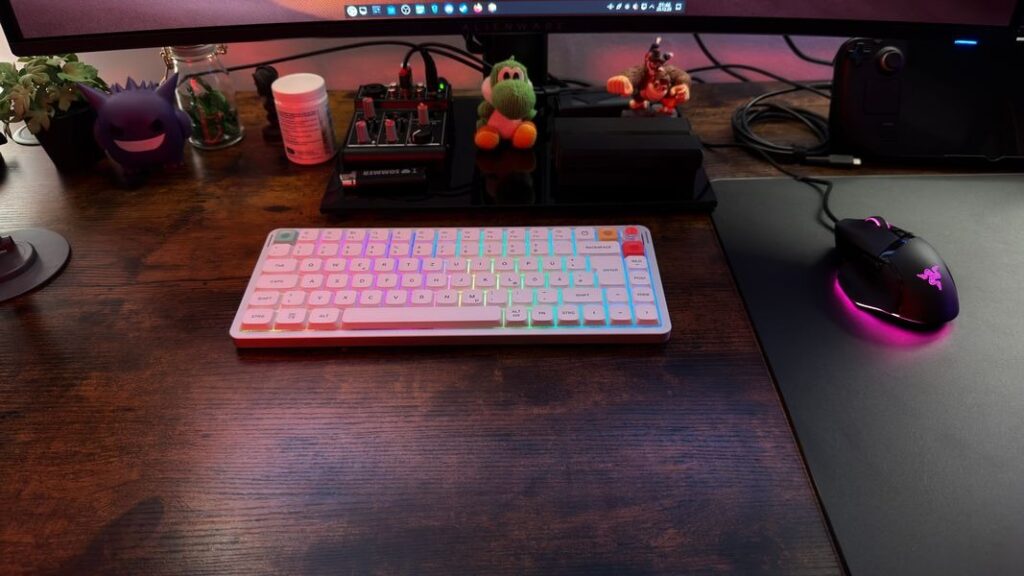
Why Keyboard Ergonomics Matters
Typing involves repeated movements of the fingers and hands, often while the arms remain in relatively fixed positions.
When a keyboard is positioned too high, too low, or too far away, users may compensate by bending their wrists, raising their shoulders, or reaching forward.
These positions can contribute to discomfort, particularly when maintained for extended periods.
According to guidance from the U.S. Occupational Safety and Health Administration (OSHA), keyboard placement should allow the shoulders to remain relaxed, the elbows to stay near the body, and the wrists to remain generally straight and aligned with the forearms.
This is often described as a neutral wrist position.
However, maintaining a comfortable posture involves more than purchasing a particular keyboard. Desk height, chair adjustment, mouse placement, and regular movement all contribute to the overall experience.
Understanding keyboard design is one useful part of creating a more comfortable workspace.
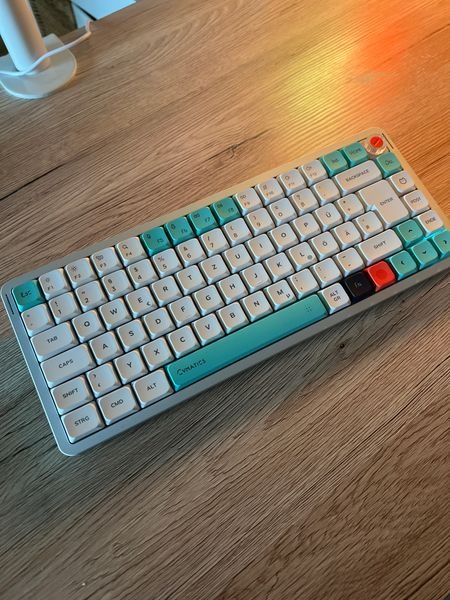
How Keyboard Height Influences Wrist Position
Keyboard height is one of the most noticeable differences between keyboard designs.
Traditional mechanical keyboards often use taller switches, keycaps, and cases. Depending on the desk setup, this can place the hands at a greater height above the work surface.
If the keyboard is too high relative to the user’s elbows, the wrists may bend upward during typing. This position, known as wrist extension, can become uncomfortable when maintained repeatedly or for long periods.
A lower keyboard can make it easier for some users to keep their wrists aligned with their forearms.
However, keyboard height should always be considered relative to the chair and desk.
Someone using a height-adjustable desk may be able to position a taller keyboard comfortably, while another person working at a fixed-height table might prefer a thinner design.
The goal is not necessarily to use the lowest keyboard available. It is to choose a keyboard height and placement that allow the hands to remain in a natural position.
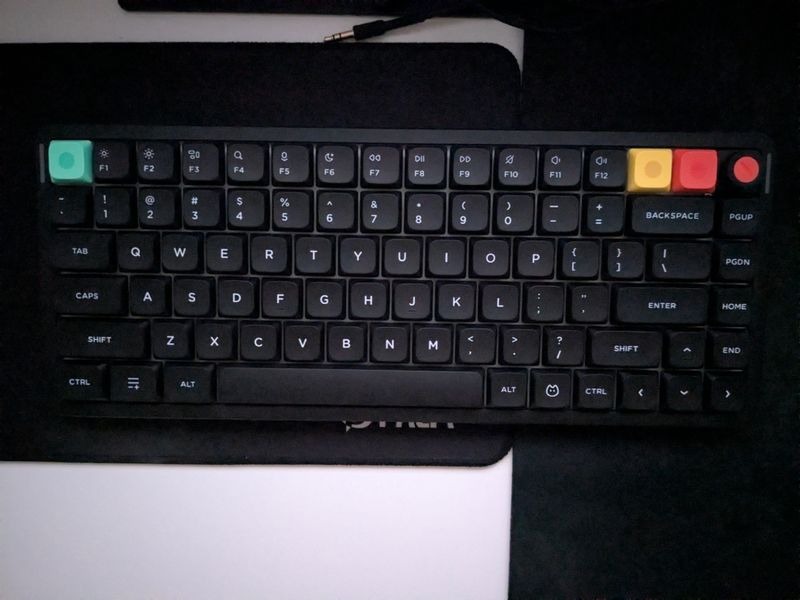
Are Low-Profile Keyboards More Comfortable?
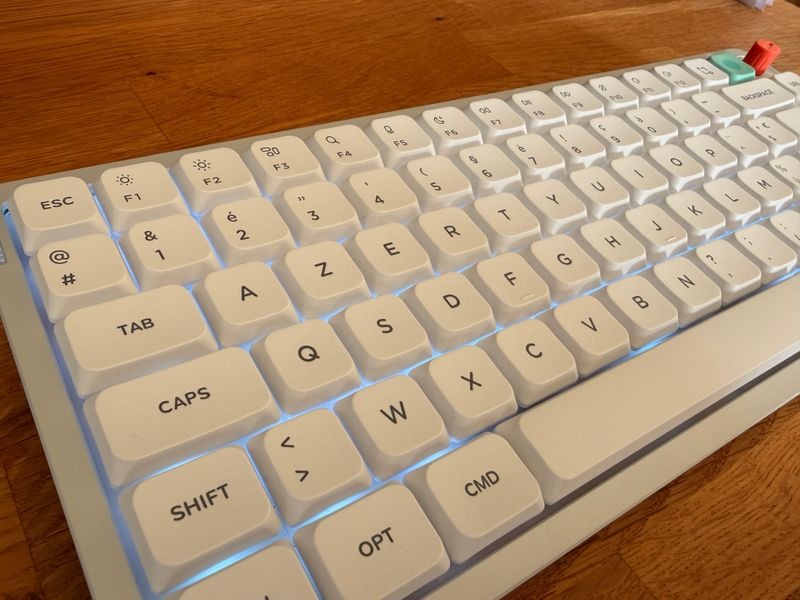
Low-profile keyboards have become an alternative to traditional, taller mechanical designs.
These keyboards generally use shorter switches and slimmer keycaps, creating a thinner overall profile.
For people accustomed to laptop keyboards, this design may feel familiar because the fingers travel a shorter distance during each keystroke.
Some users also find that a lower typing surface makes it easier to position their hands without excessive upward wrist bending.
Exploring Low Profile Keyboards can help illustrate the differences in keyboard thickness, key travel, and layout available within this category.
Nevertheless, low-profile keyboards should not automatically be considered healthier than standard keyboards.
Typing comfort varies between individuals, and shorter key travel does not guarantee reduced muscle strain or prevention of repetitive strain injuries.
A keyboard’s tilt, switch resistance, and position relative to the body can be just as important as its overall thickness.
For this reason, selecting a low-profile keyboard should be based on personal comfort and workstation compatibility rather than assumptions about medical benefits.
Does Switch Type Affect Typing Comfort?
The mechanism beneath each key influences how a keyboard feels during everyday use.
Traditional membrane keyboards commonly rely on rubber-dome mechanisms, while mechanical keyboards use individual switches that can offer different levels of resistance and tactile feedback.
A mechanical keyboard may be available with linear, tactile, or clicky switches, each providing a different typing experience.
Linear switches move smoothly without a pronounced tactile bump. Tactile switches provide noticeable feedback during the keystroke, while clicky switches add an audible response.
Another consideration is actuation force, which describes the force needed to register a keypress.
Lighter switches may feel easier to press for some users, but they can also increase accidental keypresses if someone tends to rest their fingers heavily on the keyboard.
Heavier switches offer more resistance, which other users may prefer for greater control.
There is no strong basis for claiming that one mechanical switch type is universally better for wrist health.
Instead, the most practical approach is to choose a switch that feels comfortable, supports accurate typing, and does not require unnecessary force.
Typing technique matters as well. Repeatedly striking keys with excessive force may contribute to an uncomfortable experience, regardless of the switch type.
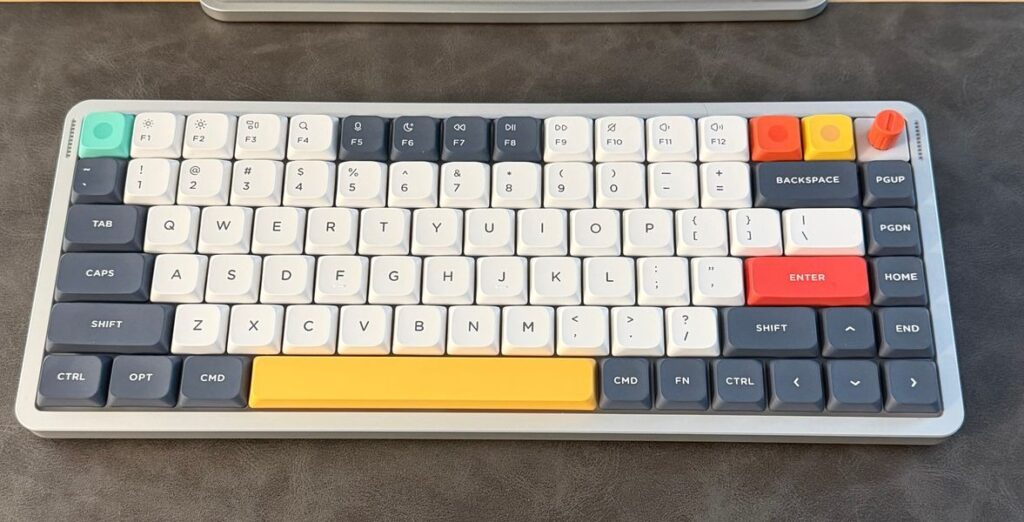
Why Keyboard Layout Can Influence Your Workspace
Keyboard layout affects more than the number of available keys.
It also determines how much desk space the keyboard occupies and where other frequently used equipment can be positioned.
A full-size keyboard includes a dedicated number pad, making it convenient for people who regularly enter numerical data.
However, its wider footprint may push the mouse farther to one side, particularly on smaller desks.
This can encourage some users to reach farther with their mouse arm.
Compact layouts, such as 75% keyboards, typically remove the number pad while retaining arrow keys and a dedicated function row.
Reducing the keyboard’s width can make it easier to position the mouse closer to the body.
A 65% keyboard offers an even smaller footprint, although certain keys may require additional shortcuts.
The best layout depends on individual tasks.
For someone who frequently uses a number pad, removing it may introduce inconvenience. For a writer or general office worker, a more compact layout may be perfectly practical.
Rather than assuming that smaller keyboards are always more ergonomic, consider how keyboard size affects the positioning of both hands throughout the workday.
Keyboard Tilt and Wrist Support: Small Details That Matter
Many keyboards include adjustable feet that raise the back of the keyboard.
Although this feature is common, a steeper typing angle is not always beneficial.
Depending on the workstation, raising the rear of the keyboard can increase wrist extension.
OSHA recommends adjusting keyboard tilt in a way that supports a relatively straight wrist position rather than automatically using the highest available setting.
Wrist rests also deserve careful consideration.
A wrist rest may provide support during pauses, but pressing the wrists against a firm surface while actively typing can create unwanted contact pressure.
If using a rest, it is generally preferable to support the palm area during breaks rather than placing sustained pressure directly beneath the wrist.
The appropriate setup depends on keyboard height, desk configuration, and individual comfort.
Small adjustments can sometimes improve the typing experience without requiring an entirely new keyboard.
Choosing a Keyboard for Long Hours of Typing
For people who regularly spend several hours at a computer, comfort should be considered alongside appearance, performance, and price.
Start by assessing keyboard height. A thinner design may suit someone who prefers a relatively flat typing surface, while a traditional mechanical keyboard may feel more natural to another user.
Next, evaluate switch feel and resistance. Keys should be comfortable to operate without requiring excessive force.
Layout also matters. A keyboard that keeps frequently used keys accessible and allows convenient mouse placement may be easier to incorporate into a comfortable workstation.
Keyboard manufacturers such as NuPhy offer different layouts and profiles, reflecting the variety of typing preferences and workspace requirements among computer users.
However, no brand or keyboard design can guarantee the prevention of wrist discomfort.
If possible, test different keyboard styles and pay attention to how your hands, wrists, and shoulders feel during normal use.
It can also help to reassess the position of your chair, desk, monitor, and mouse rather than evaluating the keyboard in isolation.
Healthy Typing Habits Go Beyond the Keyboard
Even a carefully selected keyboard cannot compensate for every aspect of an uncomfortable workstation.
Taking regular breaks and changing position throughout the day are important parts of managing prolonged computer use.
Short pauses give the hands and arms an opportunity to move away from repetitive tasks. Alternating typing with other activities can also help reduce long periods of uninterrupted keyboard use.
Maintaining a comfortable sitting position is equally important.
Keep frequently used equipment within easy reach, avoid unnecessary shoulder tension, and adjust your workstation when you notice awkward wrist positions.
Persistent pain, tingling, weakness, or numbness should not simply be attributed to the keyboard. These symptoms can have several causes and may warrant evaluation by a qualified healthcare professional.
Keyboard adjustments are part of a practical comfort strategy, not a substitute for medical assessment when symptoms continue.
Final Thoughts
Keyboard ergonomics is about more than choosing a product labeled as comfortable or ergonomic.
Keyboard height, switch resistance, layout, tilt, and placement can all influence how the hands and wrists are positioned during typing.
Low-profile designs may appeal to people who prefer a thinner typing surface, while traditional mechanical keyboards offer different key travel and feedback characteristics.
Neither is automatically the best choice for everyone.
The most useful approach is to select a keyboard that suits your typing habits, arrange it to support a comfortable wrist position, and combine it with an appropriately adjusted workstation.
When keyboard design and healthy work habits are considered together, everyday typing can become a more comfortable experience.
Other Articles You May Find of Interest...
- Typing All Day? How Keyboard Design Affects Wrist Position and Comfort
- Why Computer Monitors Trigger Headaches and Eye Strain
- Building a Healthier, More Productive Creative Workspace
- From Factory Floors to Standing Desks: The Ergonomic Furniture Revolution
- Can Slouching Cause Chest Pain? Posture and the Ribcage
- Navigating the Journey of Stapedectomy Recovery
- How Ergonomic Design Can Support Healthier Work Habits for Women