




Your Health Magazine
4201 Northview Drive
Suite #102
Bowie, MD 20716
301-805-6805
More Practice Management Articles
Best Progress Note Generators for Compliant Clinical Documentation in 2026

Most teams discover their documentation debt during pre‑audit prep week, not from their EHR vendor. Working across different tech companies, I have seen progress note backlogs shrink fast when tools get three things right – HIPAA BAAs with clear data flows, accurate speaker diarization for multi‑party sessions, and faithful output to formats like SOAP, DAP, and BIRP.
Physicians still spend significant time in the EHR. Research summarized by the AMA and JAMA Network Open shows that virtual scribes can meaningfully reduce documentation time and after-hours “pajama time,” though clinician review remains essential for quality and accuracy. These lessons shape the picks below.
What Are Progress Note Generators?
Progress note generators are clinical documentation tools that transform voice recordings, live session audio, or structured text inputs into standardized progress notes. Some operate as ambient scribes that capture and summarize encounters automatically, while others rely on guided templates or post-session dictation. From a compliance perspective, their practical differences often come down to how audio is handled, whether recordings are retained or deleted, and whether the vendor provides a signed HIPAA Business Associate Agreement – factors that directly affect risk, audit readiness, and long-term workflow fit.
Best Progress Note Generators in 2026
In 2024, ambulatory physicians spent about 5.8 hours in the EHR for every eight hours of scheduled patient time, a signal that documentation efficiency still matters in 2026. I analyzed 13 tools in this space, from ambient scribes to template‑driven generators, then narrowed to five that consistently delivered quick, structured progress notes without heavy setup. You will see which tool is best for each, the verifiable features that set them apart, or disclaimers where data is thin, and how to evaluate BAAs and workflow fit using federal guidance.
1. Twofold
Twofold is an AI‑powered progress note generator with voice or text input that outputs SOAP, DAP, and BIRP formats.
Best for: Behavioral health and multidisciplinary teams that want format‑specific notes with mobile and desktop capture.
Key features: Voice or text entry, SOAP/DAP/BIRP templates, customizable note style, HIPAA messaging and BAA availability, per vendor documentation.
Why we like it: Flexible inputs fit real‑world workflows, from quick dictation between sessions to longer ambient recordings.
2. Skriber
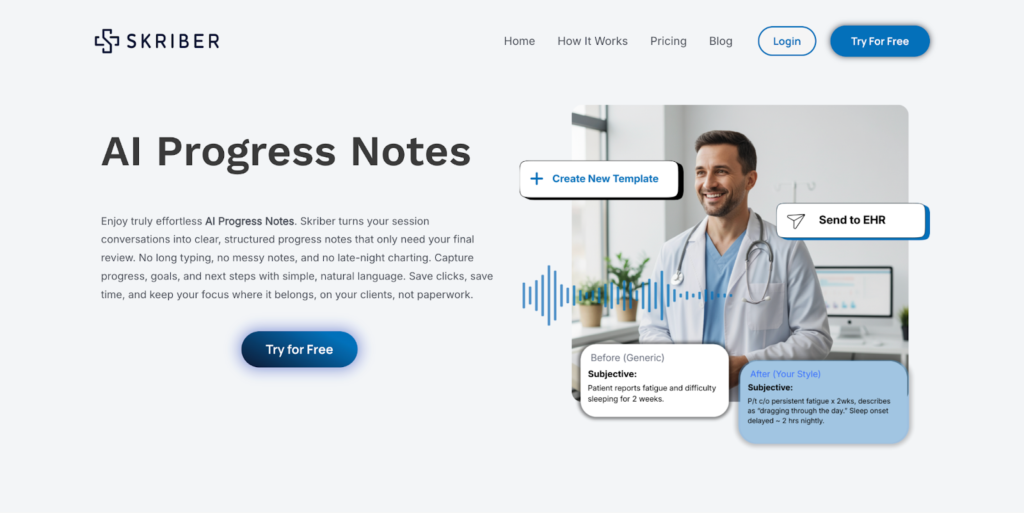
Skriber is an ambient scribe and dictation that turns session conversations into structured progress notes tailored to your voice. According to vendor documentation, it supports custom templates and HIPAA‑ready workflows.
Best for: Small practices and outpatient clinics that want ambient scribe capture plus dictation with customizable note style.
Key features: Ambient scribe, dictation and templates, learns your tone, HIPAA and ISO 27001 claims, exports to any EHR, per vendor documentation.
Why we like it: The “sounds like you” output reduces rewrite time, which is often the hidden cost in AI notes.
3. BoostNotes
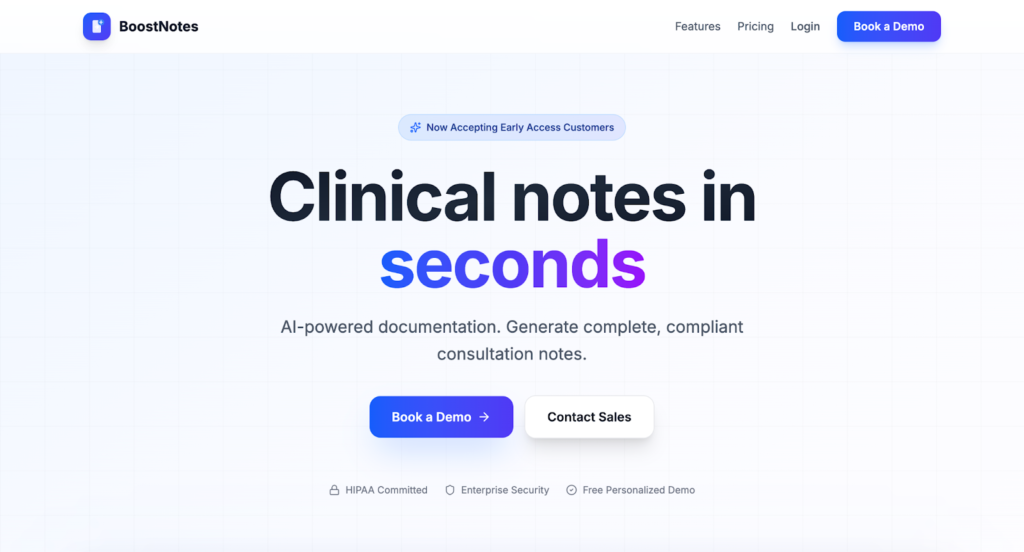
BoostNotes is an AI clinical documentation tool that claims to generate complete, compliant consultation and progress notes in under a minute.
Best for: Early adopters and small teams that want a fast text‑first generator rather than a full ambient scribe.
Key features: Under‑a‑minute generation, HIPAA‑committed messaging, PDPM‑oriented outputs for reimbursement, per vendor documentation.
Why we like it: Simple workflow, low learning curve for teams that primarily need templated, consistent notes.
4. River
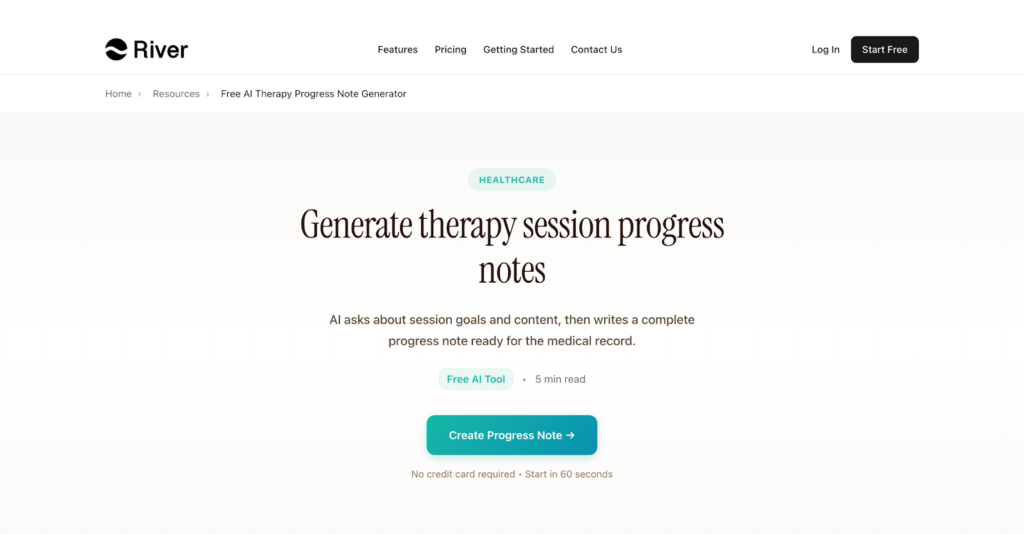
River is a free, guided input tool that structures therapy session details into properly formatted progress notes, capturing interventions, progress, and plan.
Best for: Trainees, interns, and solo therapists who need a no‑cost way to structure notes and practice strong documentation language.
Key features: Guided prompts for interventions and progress, structured outputs in common therapy formats, no account barrier for basic use.
Why we like it: The prompts nudge you toward payer‑friendly phrasing and complete content, helpful for learning proper documentation.
5. Therapulse.ai
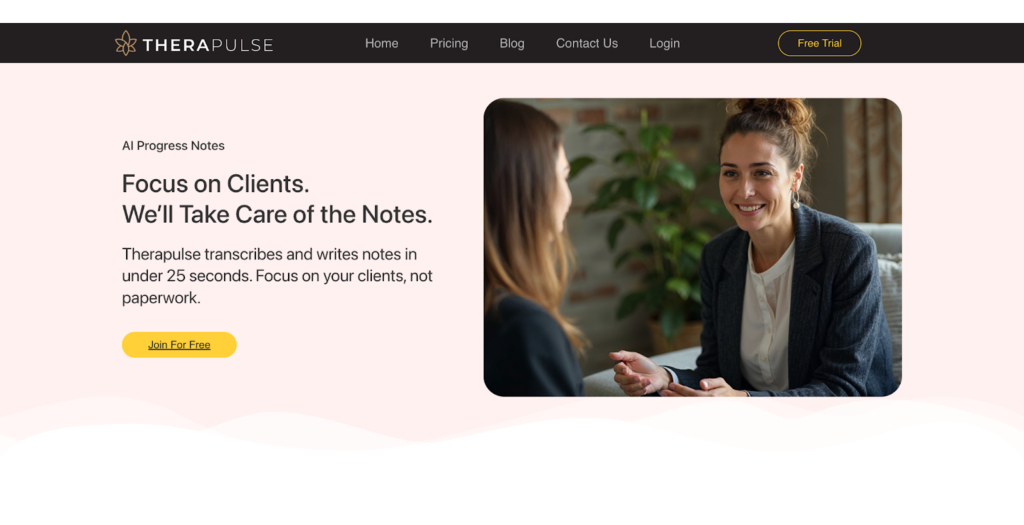
Therapulse is a transcription plus rapid AI note generation for mental health professionals, with outputs in DAP, SOAP, and BIRP.
Best for: Therapists who want sub‑minute notes from recordings or dictation with multilingual support.
Key features: Live transcription and upload, multi‑language claims, DAP/SOAP/BIRP formats, EHR and telehealth workflow claims.
Why we like it: Transparent, session‑based pricing tiers are documented by third‑party aggregators, which is rare for smaller vendors.
Progress Note Generator Tools Comparison: Quick Overview
This overview distills the practical differences between leading progress note generators, how pricing is structured, and whether a free option is available. It’s designed for fast comparison when narrowing down tools for pilots or procurement discussions.
Twofold
- Pricing Model: Subscription, mobile and desktop
- Free Option: App Store shows the first 20 notes free
- Highlights: SOAP, DAP, BIRP, customizable templates
- Integration Complexity: Low, copy or basic integrations
Skriber
- Pricing Model: Subscription, per user
- Free Option: Trial with limited visits, per vendor
- Highlights: Ambient capture, style learning, HIPAA messaging
- Integration Complexity: Low, copy into EHR workflows
BoostNotes
- Pricing Model: Subscription, early access
- Free Option: 14‑day trial, per vendor
- Highlights: PDPM‑oriented outputs, simple UI
- Integration Complexity: Low, export or copy
River
- Pricing Model: Free tool
- Free Option: Free to use
- Highlights: Guided prompts, structured outputs
- Integration Complexity: Very low
Therapulse.ai
- Pricing Model: Session‑tiered subscription
- Free Option: Free trial
- Highlights: Live transcription, multilingual, DAP/SOAP/BIRP
- Integration Complexity: Low, telehealth and EHR workflow claims
Progress Note Generator Strategic Decision Framework
Selecting a progress note generator requires more than feature checklists. This framework highlights the questions that most directly impact compliance risk, documentation quality, measurable time savings, and how patient data is handled across its lifecycle.
1. Do we have a signed BAA from the vendor?
Why It Matters: A BAA is required when a cloud vendor creates, receives, maintains, or transmits ePHI for you.
What to Evaluate: Executed BAA, data flows, breach terms.
Red Flags: “HIPAA‑compliant” claims without a signed BAA, as per HHS OCR.
2. How often do draft notes require editing?
Why It Matters: Trials have shown that many AI notes still need clinician edits.
What to Evaluate: Sample outputs across specialties, accent and multi‑speaker handling.
Red Flags: Vendors claiming zero‑edit notes.
3. Can it produce payer‑friendly formats?
Why It Matters: SOAP, DAP, BIRP consistency speeds audit prep.
What to Evaluate: Template control, field mapping to treatment plans.
Red Flags: Rigid templates that force copy‑paste workarounds.
4. What are the real time savings in our clinic?
Why It Matters: Physicians spend hours per day in EHRs, so a measurable reduction is key.
What to Evaluate: Baseline your time, run a 30‑day pilot, compare “time to sign”.
Red Flags: No pilot option or vague ROI claims.
5. How are recordings stored and deleted?
Why It Matters: Data retention impacts risk and compliance.
What to Evaluate: Default deletion windows, encryption, access logs.
Red Flags: Indefinite retention, unclear deletion policies.
Progress Note Generator Solutions Comparison: Pricing and Capabilities Overview
Costs and setup complexity vary widely depending on practice size and workflow maturity. This section maps common clinical scenarios to typical pricing models and deployment patterns, helping teams estimate investment before validating BAAs and contracts directly with vendors.
Solo Clinician
- Recommended Setup: Therapulse.ai session tier or Twofold personal tier, pilot before standardizing.
- Monthly Cost: $29–$99 per user, based on third‑party listings
- Annual Investment: $348–$1,188 per user, verify BAA
Small Group Practice
- Recommended Setup: Skriber team plan or Twofold group plan with BAAs.
- Monthly Cost: Vendor quoted, not broadly published
- Annual Investment: Vendor quoted
Training Program or Classroom
- Recommended Setup: River for non‑PHI practice plus one paid tool for faculty demos.
- Monthly Cost: Free plus 1–2 paid seats
- Annual Investment: Minimal, depends on seat count
Common Documentation Challenges and Practical Mitigations
Even with modern tools, clinical documentation still presents recurring challenges around time, accuracy, compliance, and cost. This section pairs those pain points with practical mitigation strategies grounded in published research, vendor realities, and federal guidance.
Challenge 1: After‑hours “pajama time” and note backlogs drain evenings.
Solution: Virtual scribe approaches have reduced total EHR time and after‑hours work in studies. Tools that draft notes for clinician sign‑off, such as ambient scribes, can help reclaim hours when coupled with a disciplined review step.
Challenge 2: Accuracy and editing still consume time.
Solution: Favor tools that learn your style and support structured formats, then measure your real “time to sign.” Many AI notes still need manual edits, so plan for QA rather than full automation.
Challenge 3: Unclear HIPAA compliance and BAAs with newer vendors.
Solution: Require a signed BAA before sending PHI to any cloud tool. HHS OCR notes that using a CSP without a BAA is a violation, even if data is encrypted. For free tools like River, use de‑identified text only unless a BAA is available.
Challenge 4: Budget constraints for solo practices.
Solution: Session‑tier vendors often publish lower entry points. Third‑party directories list Therapulse.ai at $29 to $149 per month tiers, and the Twofold iOS app shows a free allotment to start, which can de‑risk pilots. Validate exact limits and BAAs before rollout.
Bottom Line
Here is the practical takeaway on how to evaluate and pilot these tools for faster, compliant notes. If your goal is faster, compliant progress notes, start with a 30‑day pilot and measure “time to sign,” edit rate, and BAA status. Ambient tools can reduce documentation burden but still need clinician review, as reported across health systems and trials, so plan for QA rather than full automation.
Use a free, de-identified tool for skill‑building, then graduate to a BAA‑backed platform once workflows are proven. The fastest wins usually come from better templates plus a scribe that fits your sessions, validated by your own metrics and guided by federal HIPAA cloud rules.
Other Articles You May Find of Interest...
- Automation in Revenue Cycle Management: Impact on Healthcare Financial Performance
- Why Every Clinic Needs a Healthcare App Development Company
- Why Upgrading Your Practice Infrastructure is No Longer Optional in 2026
- AI in Action: Transforming the Future of Healthcare Management
- Automating the Hospital Mailroom for Faster, Safer Healthcare Operations
- Quality Over Quantity: How Better Data Leads to Better Patient Care
- Why Custom Apparel Brands Are Choosing DTF Printing for Better Results