Your Health Magazine Contributor
4201 Northview Drive
Suite 102
Bowie, MD 20716
More Healthcare Administration Articles
Modernizing Legacy Healthcare Records: Moving From Paper Documents to Digital Workflows
Healthcare practices often operate with records created across different generations of technology. New documents may be created and stored electronically, while older administrative files remain in filing cabinets, scanned PDFs, or folders containing documents that originated on paper. Managing this mix can create inefficiencies when staff need to retrieve, review, update, or route records.
Signatures are one practical issue that arises during this transition. An administrator working with older paperwork may need to understand how to convert signature on paper to digital form while determining whether an image of a handwritten signature is actually appropriate for the document involved. Modernizing records should not simply reproduce paper practices on a computer. A better approach considers the entire document lifecycle, including preparation, signing, security, access, completion, and retention.
Why Healthcare Offices Still Have So Much Paper
Healthcare organizations have been digitizing operations for years, but administrative paperwork does not disappear all at once. Employment records, vendor documents, financial paperwork, contracts, internal forms, and other business records may have been created under different procedures and retained in different formats.
As a result, one office can have electronically created documents alongside scanned PDFs and original paper records.
This creates practical challenges. Employees may need to search multiple locations for information, determine which version of a document is authoritative, or print an electronic document simply to obtain a handwritten signature before scanning it again.
A modernization project provides an opportunity to examine those habits. Instead of digitizing every existing process exactly as it operates today, administrators can identify which manual steps remain necessary and which exist primarily because “that’s how we’ve always done it.”
Start With the Document, Not the Signature
When converting paper processes to electronic workflows, it can be tempting to focus first on how a handwritten signature will appear digitally. That puts the process in the wrong order.
Administrators should begin by asking what the document does. Who creates it? Who reviews it? Who must sign it? Does it contain sensitive information? What happens after it is completed? How long must the organization retain it?
Those questions determine the appropriate electronic workflow.
A signature image may be suitable in some circumstances, while other documents may benefit from a structured eSignature process with additional controls surrounding execution and recordkeeping.
This document-by-document approach is particularly important in healthcare, where administrative records can range from routine internal paperwork to sensitive, contractual, financial, or legally significant documents requiring substantially different handling.
Understand What a Digital Signature Image Represents
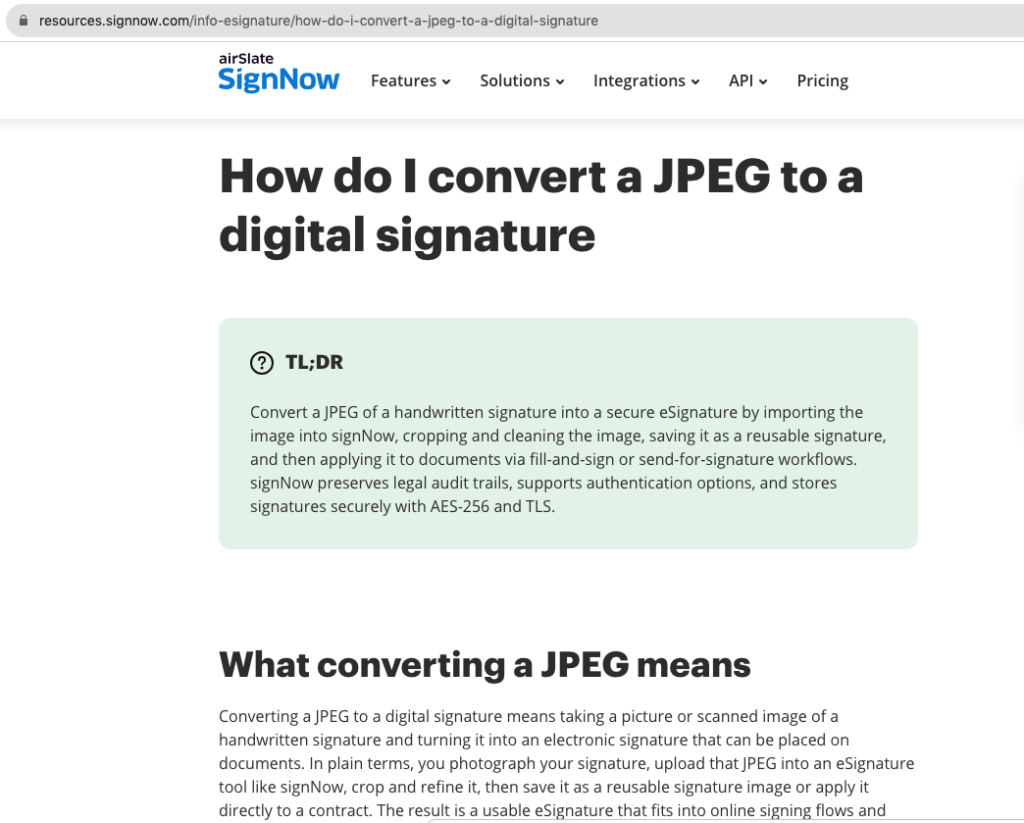
A scanned handwritten signature is fundamentally an image. Someone may sign a piece of paper and convert that signature into a JPEG or another digital format. That image can then visually reproduce the person’s handwriting on an electronic document.
An eSignature is a broader concept. It is an electronic method used to indicate a person’s intent to sign. A structured electronic signing process can also exist alongside security controls and information about document activity.
Understanding the distinction prevents healthcare offices from assuming that putting a picture of handwriting onto a PDF automatically provides everything they may need from an electronic-document process.
For low-risk routine documents, requirements may be relatively straightforward. For more consequential records, administrators should consider the complete process used to authorize, execute, secure, and maintain the document rather than concentrating solely on its appearance.
Create a Clear Chain for Important Documents
Paper offices often develop informal chains of custody. A document sits on someone’s desk, moves to another employee for a signature, returns to an administrator, and eventually reaches a filing cabinet.
Electronic workflows require the same organizational clarity even though the physical movement disappears.
Healthcare administrators should define who is permitted to prepare a document, who can send for signature, which person is authorized to eSign, and where the completed record should be retained. Employees should also know which version represents the organization’s final record.
Audit information can support this process. signNow provides audit trails as part of its electronic-document environment.
A consistent workflow becomes particularly valuable when a document is reviewed months or years later and the employees involved in the original transaction may no longer remember how it was handled.
Protect Documents During Transmission and Storage
A locked filing cabinet addresses a physical security problem. Electronic records require organizations to think about security differently because documents may be transmitted over networks, accessed through user accounts, and stored digitally.
Healthcare organizations should therefore consider protection both while information is moving and while it is stored.
According to verified information provided by signNow, data in transit is protected using TLS 1.2/1.3, while data at rest uses AES-256 encryption. The platform also provides two-factor authentication and audit trails.
These technical safeguards serve different purposes, and none eliminates the need for sound internal procedures.
Organizations should still control employee access, manage accounts appropriately, train staff on electronic-document procedures, and establish policies governing where sensitive administrative information may be stored and how it should be handled.
Know When HIPAA Enters the Picture
Healthcare organizations sometimes treat every technology decision as automatically subject to the same HIPAA requirements. In reality, the information being handled and the organization’s use of a service matter.
A workflow involving protected health information requires appropriate HIPAA consideration. A different administrative document may involve other privacy, employment, financial, contractual, or recordkeeping requirements instead.
For HIPAA use, signNow requires a Business Associate Agreement (BAA). The platform’s listed compliance frameworks also include ESIGN, UETA, SOC 2 Type II, GDPR, 21 CFR Part 11, PCI DSS, ISO 27001, CCPA, and eIDAS.
These frameworks should not be treated as interchangeable or as automatically applicable to every document. A healthcare organization should identify the requirements relevant to its specific information and workflow and establish its electronic-document procedures accordingly.
Consider the Legal Framework for Electronic Signatures
Electronic signatures operate within an established legal framework in the United States. The federal Electronic Signatures in Global and National Commerce Act, commonly known as the ESIGN Act, addresses electronic signatures and records in interstate and foreign commerce. UETA, the Uniform Electronic Transactions Act, provides an important state-level framework for electronic transactions.
This legal foundation is one reason healthcare businesses can move many administrative processes away from paper.
However, administrators should avoid concluding that every type of document can be converted to the same electronic process. Particular documents or transactions may be governed by additional requirements.
When modernizing legacy paperwork, organizations should identify documents with legal, regulatory, financial, or contractual significance and determine whether their proposed electronic workflow satisfies the requirements applicable to those records.
Decide What Actually Needs to Be Converted
Digitization does not necessarily mean converting every sheet of paper an organization has accumulated. Doing so without a plan can create an electronic archive that is just as difficult to manage as the filing cabinets it replaced.
A better approach is to inventory document types and establish priorities.
Frequently accessed records may provide greater operational benefit from digitization than documents that are rarely retrieved. Active forms that employees continue to print, sign, and scan may be candidates for redesigned electronic workflows rather than simple scanning.
Organizations should also distinguish between converting historical records and changing how future records are created. Scanning an old document creates a digital copy. Creating a new electronic workflow changes the process itself.
Those are related projects, but they solve different administrative problems and may require different policies.
Look for Repetitive Manual Work
One of the clearest reasons to modernize document workflows is the amount of repetitive labor associated with paper.
Consider a document that is created electronically, printed for signature, scanned back into electronic form, renamed, emailed to another employee, and then manually filed. The information has moved between digital and paper formats without necessarily gaining anything from those transitions.
Electronic signing can remove some of these steps when appropriate.
signNow reports that its customers save up to six hours per employee per week and achieve an average 700% return on investment during the first year. It also reports an 80% document completion rate. These are company-reported outcomes rather than guaranteed results for an individual healthcare organization.
Practices should assess their own processes to determine where unnecessary document handling consumes employee time.
Apply Modern Workflows Across Administrative Departments
Document modernization can extend well beyond a single department. Human resources may use electronic workflows for appropriate employment and onboarding documents. Finance departments may manage authorizations and agreements. Practice managers may handle contracts with outside vendors, while legal personnel may oversee documents requiring formal execution.
Similar principles apply in real estate, finance, and legal environments where signed records can carry significant consequences.
The scale of electronic signing also extends across organizations of different sizes. signNow reports 28 million users and 352 Fortune 500 companies among its users, including Apple, Walmart, FedEx, Tesla, and Xerox.
Scale alone should not determine which system or process a healthcare organization adopts. The more important considerations are whether the workflow matches the organization’s document types, security requirements, administrative responsibilities, and applicable compliance obligations.
Build a Records Strategy for the Future
The most valuable result of a paper-to-digital project may not be the number of documents scanned. It may be preventing the organization from continuing to create unnecessary paper in the first place.
Healthcare administrators can establish standardized procedures for new documents, including how they are created, reviewed, sent for signature, completed, stored, and retrieved. Employees should also know when an eSignature process is appropriate and when a document requires additional review.
Legacy records can then be addressed according to the organization’s established retention and administrative requirements rather than converted indiscriminately.
A thoughtful transition creates consistency between old and new records while reducing the likelihood that today’s electronic processes become tomorrow’s disorganized archive. The objective is not merely a paperless office, but a document system that remains understandable, secure, and manageable over time.
Frequently Asked Questions
How can a paper signature be used on a digital document?
A handwritten signature can be captured electronically and converted into an image format for appropriate uses. However, inserting an image of handwriting is not necessarily equivalent to using a complete eSignature process. Organizations should determine which approach is suitable for the particular document and transaction involved.
Is a scanned handwritten signature an eSignature?
A scanned signature is an electronic image of handwriting. An eSignature more broadly refers to an electronic method used to indicate a person’s intent to sign. Depending on the workflow, electronic signing can also be accompanied by security controls, authentication measures, and information associated with document activity.
Should a healthcare practice digitize all of its paper records?
Not automatically. Organizations should consider their retention obligations, frequency of access, sensitivity of information, operational needs, and applicable requirements. Frequently used documents and processes that repeatedly move between printing and scanning may be logical priorities when planning a transition to electronic workflows.
Are electronic signatures legally recognized in the United States?
Electronic signatures operate within U.S. legal frameworks that include the federal ESIGN Act and UETA. However, particular records or transactions may have additional requirements. Healthcare organizations should determine which laws, regulations, contractual obligations, and recordkeeping requirements apply to the specific documents they intend to handle electronically.
Does digitizing healthcare documents automatically create a HIPAA issue?
Not every document held by a healthcare organization contains protected health information. HIPAA considerations depend on the information and workflow involved. When signNow is used for HIPAA-related purposes, a Business Associate Agreement is required. Organizations must also maintain their own appropriate privacy and security practices.
What should a healthcare office digitize first?
A practical starting point is identifying active processes that require repeated printing, signing, scanning, routing, or manual filing. Administrators can evaluate those documents for electronic workflows while separately developing a strategy for historical records based on access needs, sensitivity, and applicable retention requirements.
Other Articles You May Find of Interest...
- Why Telehealth and Patient Portals Create Language Barriers for LEP Patients
- Customer Support Outsourcing Companies for Healthcare and Telehealth Providers
- Remote Health and Wellness Contractors: Agreements, Credentials And Payment
- Why Clinical Excellence Alone Isn’t Enough for Sustainable Healthcare
- Healthcare Analytics: How Data Shapes Better Care
- Why Contract Lyophilization Is Becoming the Backbone of Canadian Diagnostics Manufacturing
- Chinese HIFU Skin-Tightening Equipment: What Export Buyers Should Compare